
Security & Compliance
Controls designed for regulated environments
Access control, data integrity, protection and qualification support for 21 CFR Part 11 and GxP validation.
Access control
- Roles and permissions
Match functions and study records to each user's role.
- User administration
Create users, assign roles, deactivate, reactivate and unlock accounts.
- Password rules
Enforce password complexity, with a change required at first sign-in.
- Account lockout
Lock accounts after repeated failed sign-ins, released by an administrator.
- Session limits
End idle sessions automatically, with an absolute session limit.
- Password reset
Reset passwords by administrator, or by a time-limited email link when email is configured.
Data integrity
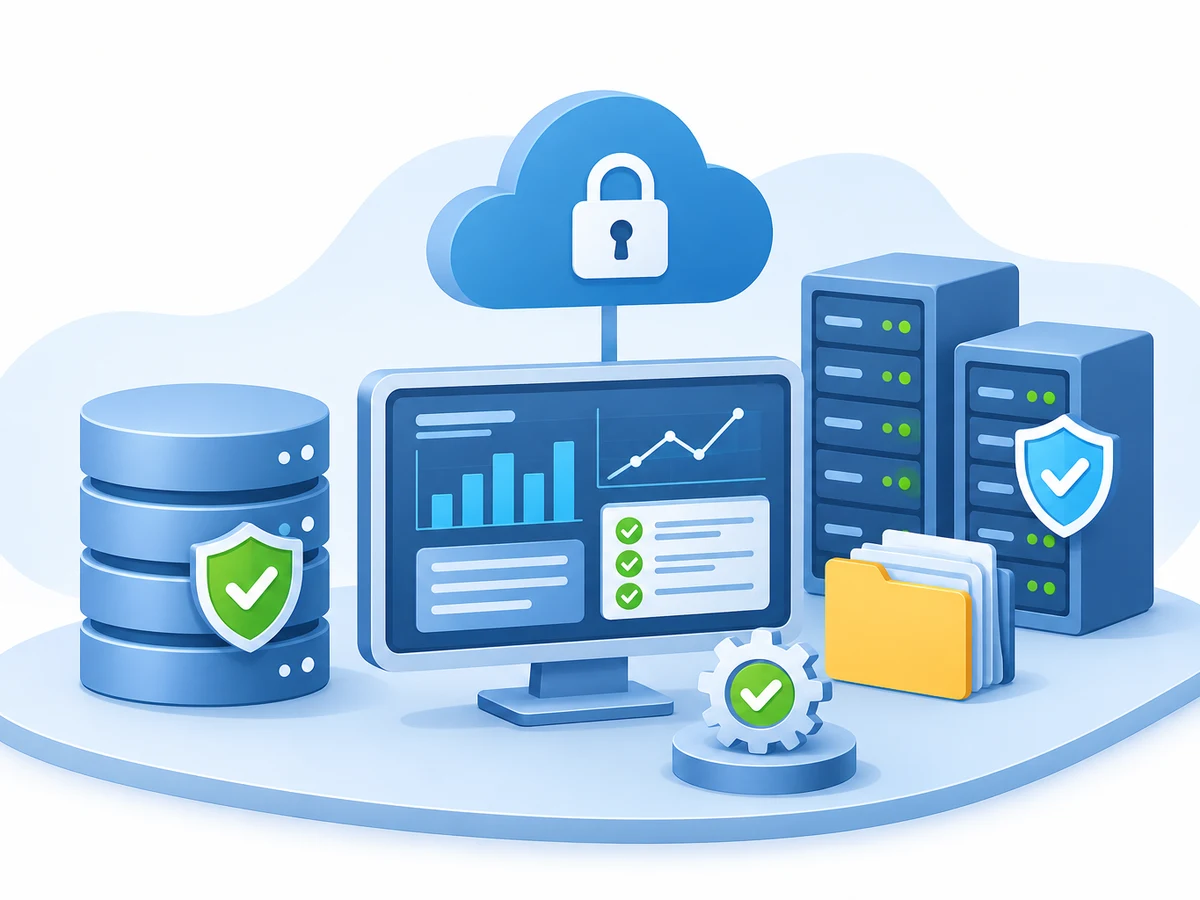
- Linked audit records
Each audit entry is cryptographically linked to the one before it, designed to make alteration or deletion detectable.
- External checkpoints
Chain checkpoints are also stored outside the database, in a file and the Windows Event Log.

- Output checksums
Recorded outputs are rechecked against their stored checksums.

Data protection
- On-premise hosting
Study data stays on your Windows server. Users connect through a browser.
- Encrypted connections
Connections use HTTPS with TLS 1.2 or later, with a self-signed certificate, your own certificate or your own reverse proxy.
- Backup and recovery
- Run backups manually or on a schedule, each verified with SHA-256.
- Restore using a documented offline recovery procedure.
Vendor support access
- Off by default
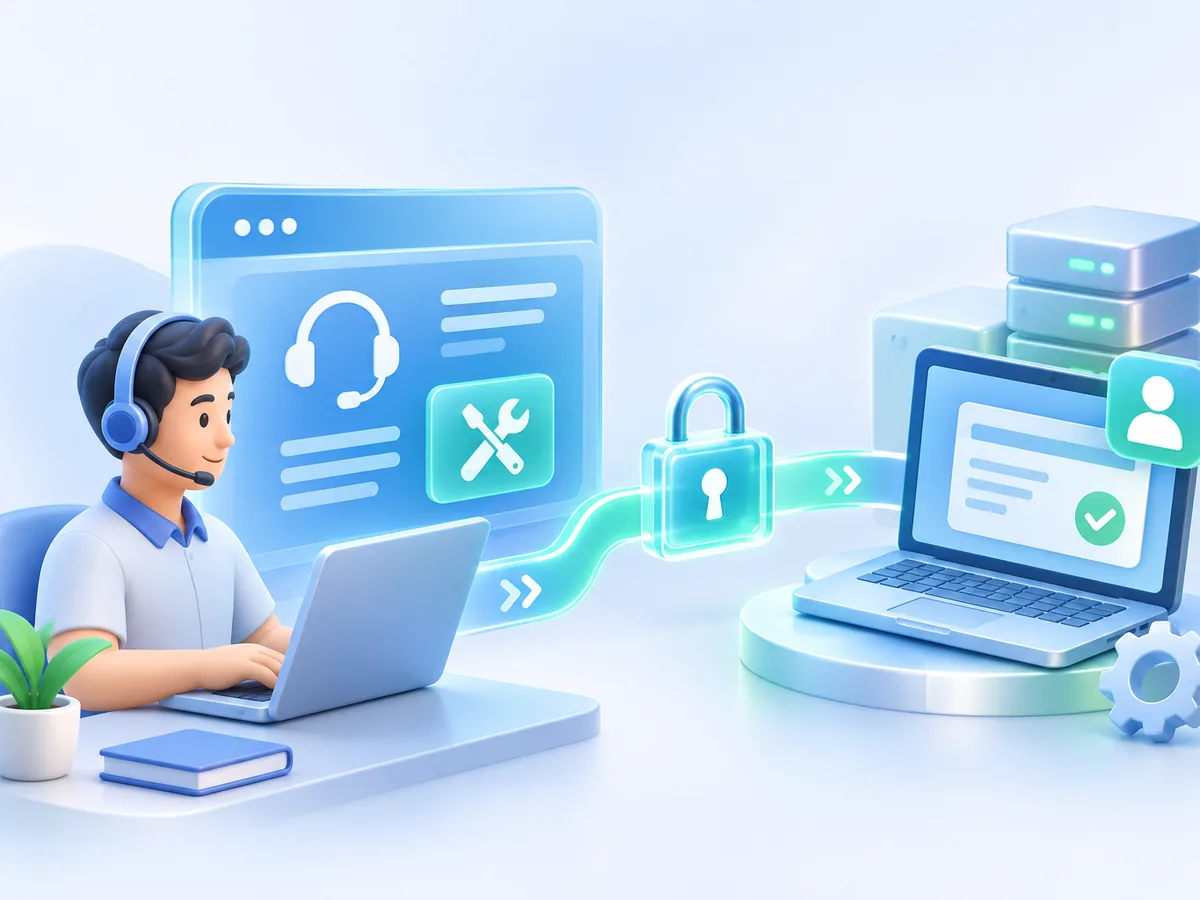
Vendor access is disabled until you open it. There is no standing vendor login.
- Signed support file
You upload a signed support file issued for your server. It is time-limited and works once.
- Audited and endable
Support sessions are recorded in the audit trail, and you can end one at any time.
Validation and qualification
- Validation documentation
IQ runs automatically at installation, and OQ runs from a built-in tool. Your team performs PQ with your own data.
- System report
Generate a PDF of installation, configuration, users and study statistics for qualification.
- Safe upgrades
A verified safety copy is taken before each upgrade, with automatic rollback if anything fails.